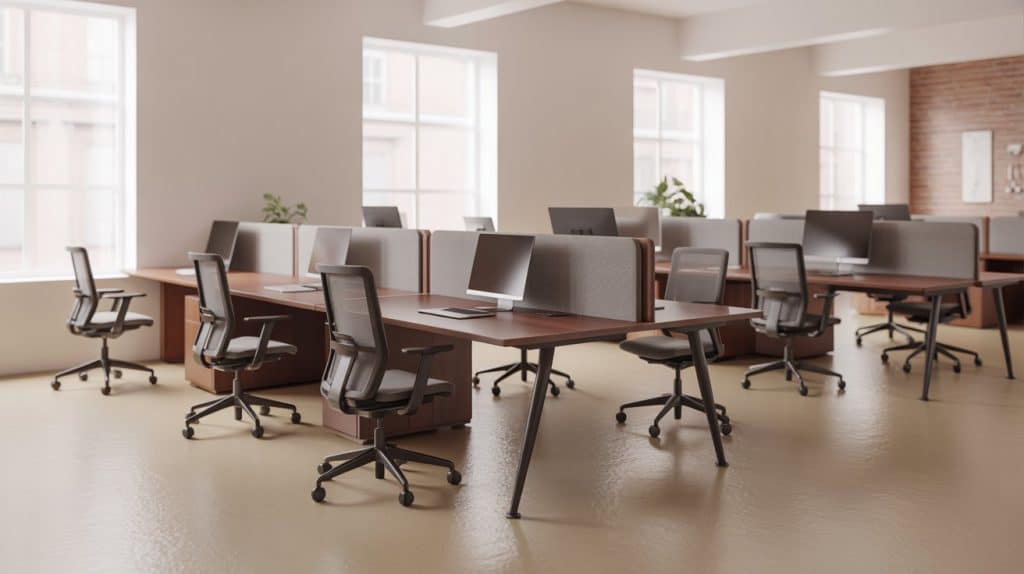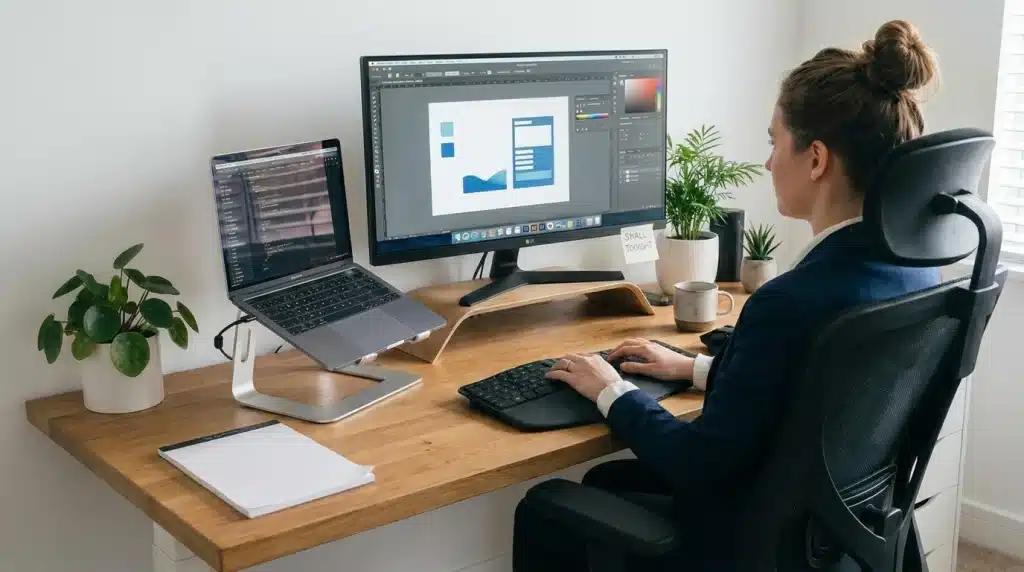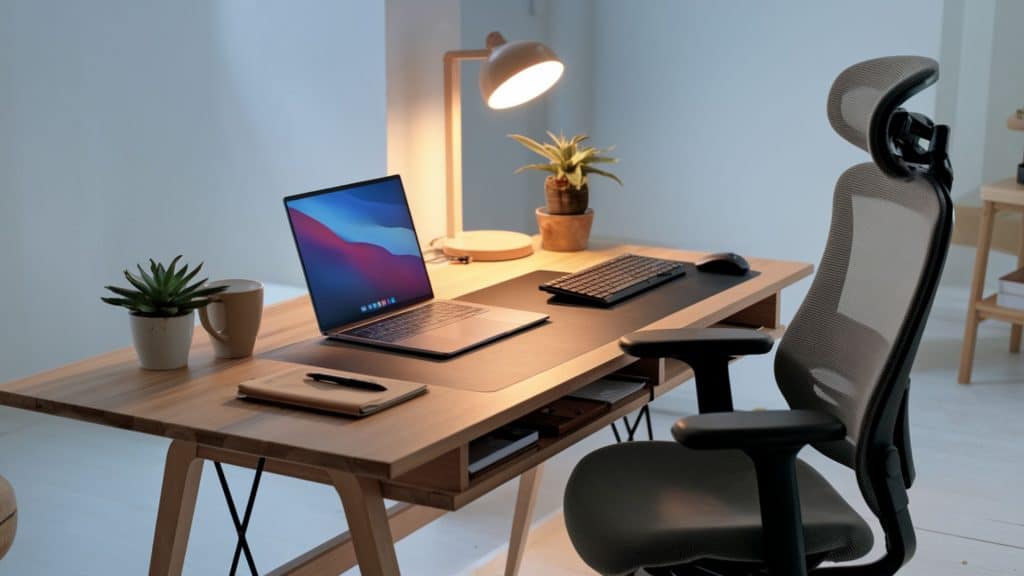
Does your back hurt after every workday? Poor workspace design causes real problems.
Setting up a proper workspace at home isn’t just about looks. It changes how you work every single day.
A good remote work setup protects your health. An ergonomic workspace prevents health and posture problems before they start.
Your work quality improves, too. Fewer distractions mean you finish tasks faster. You make fewer mistakes. The right tools help you do your best work.
This guide covers everything you need: from choosing ergonomic chairs and desks to selecting the best products. Let’s build your ideal remote work setup that supports your health, focus, and success.
Choosing the Right Location for Remote Work Setup
Finding the right workspace is key to a productive remote work setup; location impacts focus more than most realize.
Key Tips to Consider:
- Choose a quiet area away from distractions like the kitchen or TV.
- Use a spare room, a bedroom corner with a divider, or a closet office for separation.
- Position your desk near a window for natural light, but avoid screen glare.
- Ensure good airflow by opening windows or using fans, and add low-maintenance plants.
- In small spaces, consider L-shaped desks, fold-away stations, or room dividers to create boundaries.
- Check for nearby outlets, strong Wi-Fi, comfortable temperature, and privacy for calls.
- Test your space by working there for a full day to identify and fix any issues.
Choosing the perfect spot sets the foundation for your remote work success. A little planning up front leads to better focus, comfort, and work-life balance.
Top Product Recommendations for Your Remote Work Setup
Building your home office becomes easier when you know which products actually work. Here are tested options across every category.
1. Desks
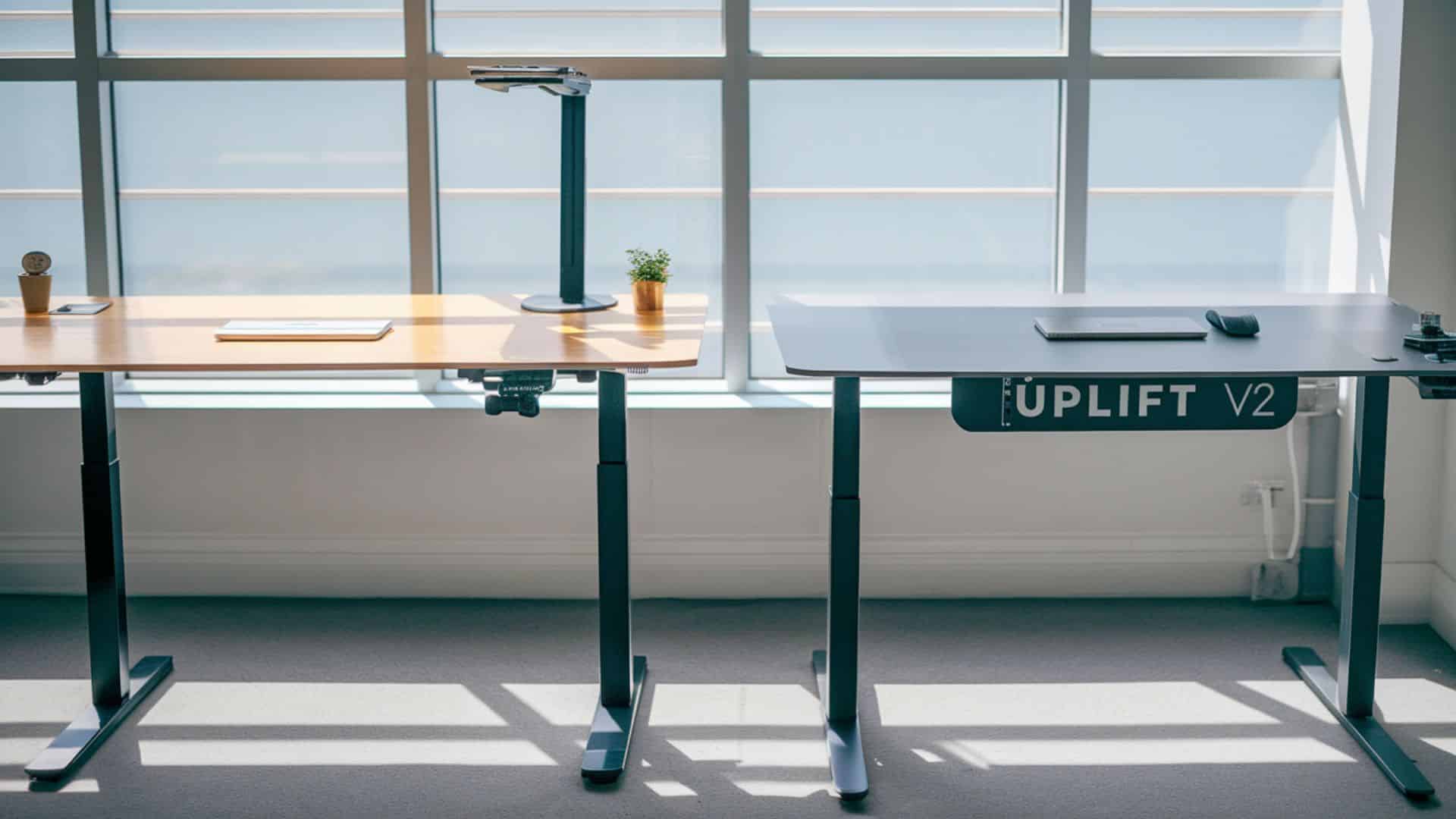
Quality desks are the foundation of any effective remote work setup, providing the space and support you need to stay organized and productive. Choosing the right one ensures comfort, focus, and long-term ergonomic benefits.
Fully Jarvis Bamboo Standing Desk
Price: $559-$869 (depending on size)
- Height adjusts from 24.5″ to 50″
- Supports up to 350 pounds
- Programmable memory settings
- Eco-friendly bamboo surface
Uplift V2 Standing Desk
Price: $599-$1,099 (based on features)
- Adjusts between 25.3″ to 50.9″
- Advanced stability at all heights
- Wire management grommets included
- 7-year warranty coverage
Both desks handle heavy equipment without wobbling. The electric motors operate quietly. You can switch between sitting and standing throughout your day.
2. Chairs
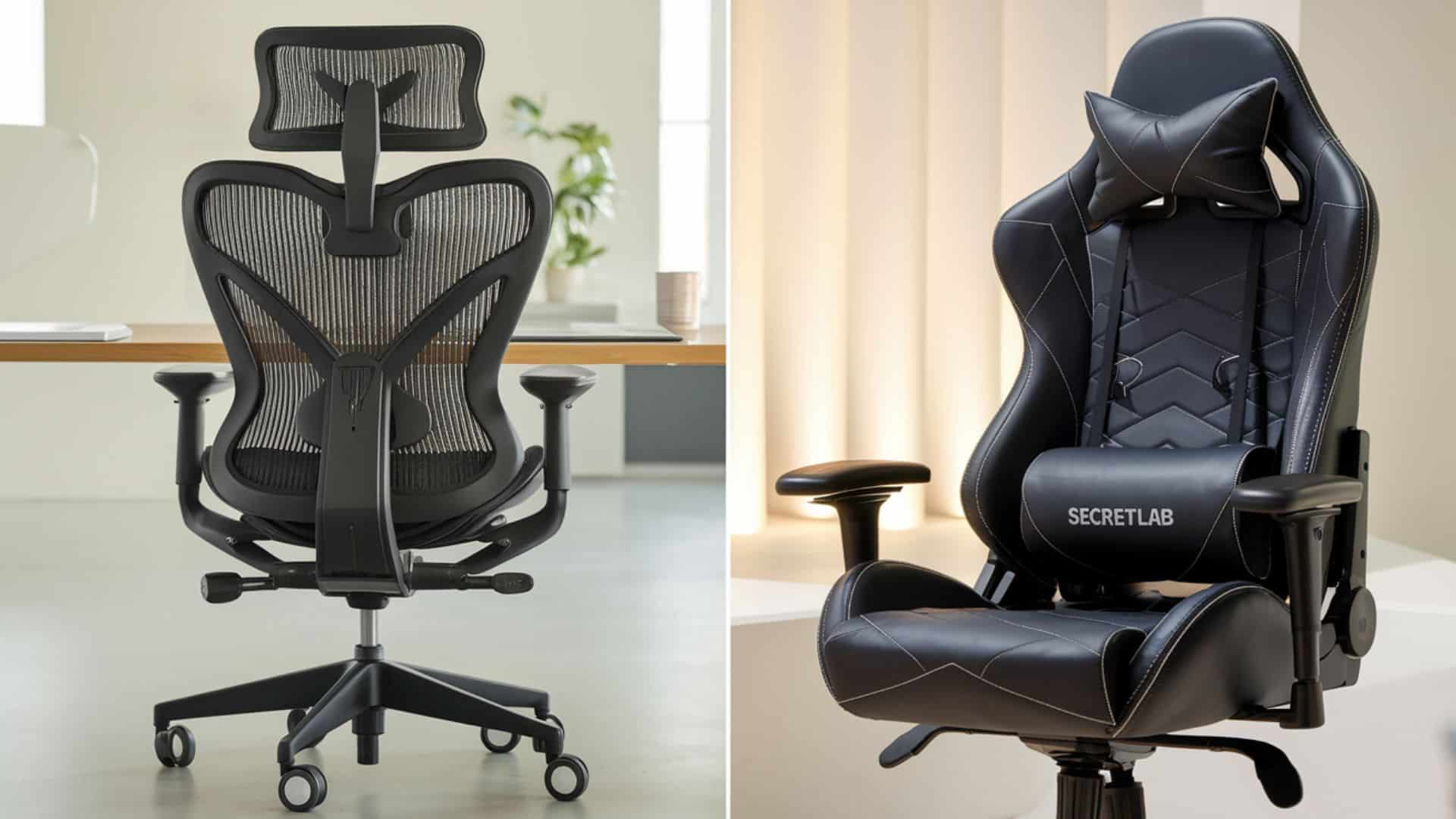
Your chair impacts your health more than any other item in your setup, influencing posture, comfort, and energy levels. Investing in an ergonomic chair can prevent strain and support long hours of focused work.
Herman Miller Aeron
Price: $1,395-$1,895
- PostureFit SL spine support system
- 8Z Pellicle mesh keeps you cool
- Adjusts to fit different body types
- 12-year warranty included
Secretlab Titan Evo 2022
Price: $519-$609
- Four-way adjustable lumbar support
- Cold-cure foam stays firm for years
- Magnetic memory foam head pillow
- More affordable than Herman Miller
Gaming chairs now match office chair quality. The Secretlab offers excellent value for the features provided.
3. Monitor

Extra screen space significantly boosts productivity by reducing the need to constantly switch between tabs or windows. A second monitor helps streamline multitasking and enhances workflow efficiency.
Dell UltraSharp U2720Q (27-inch)
Price: $520-$650
- 4K resolution shows crisp text
- IPS panel with accurate colors
- USB-C connection charges your laptop
- Height and tilt adjustments
LG 34WN80C-B (34-inch Ultrawide)
Price: $450-$550
- Curved screen improves immersion
- 21:9 aspect ratio replaces dual monitors
- Built-in speakers save desk space
- HDR10 support for better contrast
Ultrawide monitors eliminate the gap between two separate screens. You get one continuous workspace.
4. Keyboard and Mouse Combinations
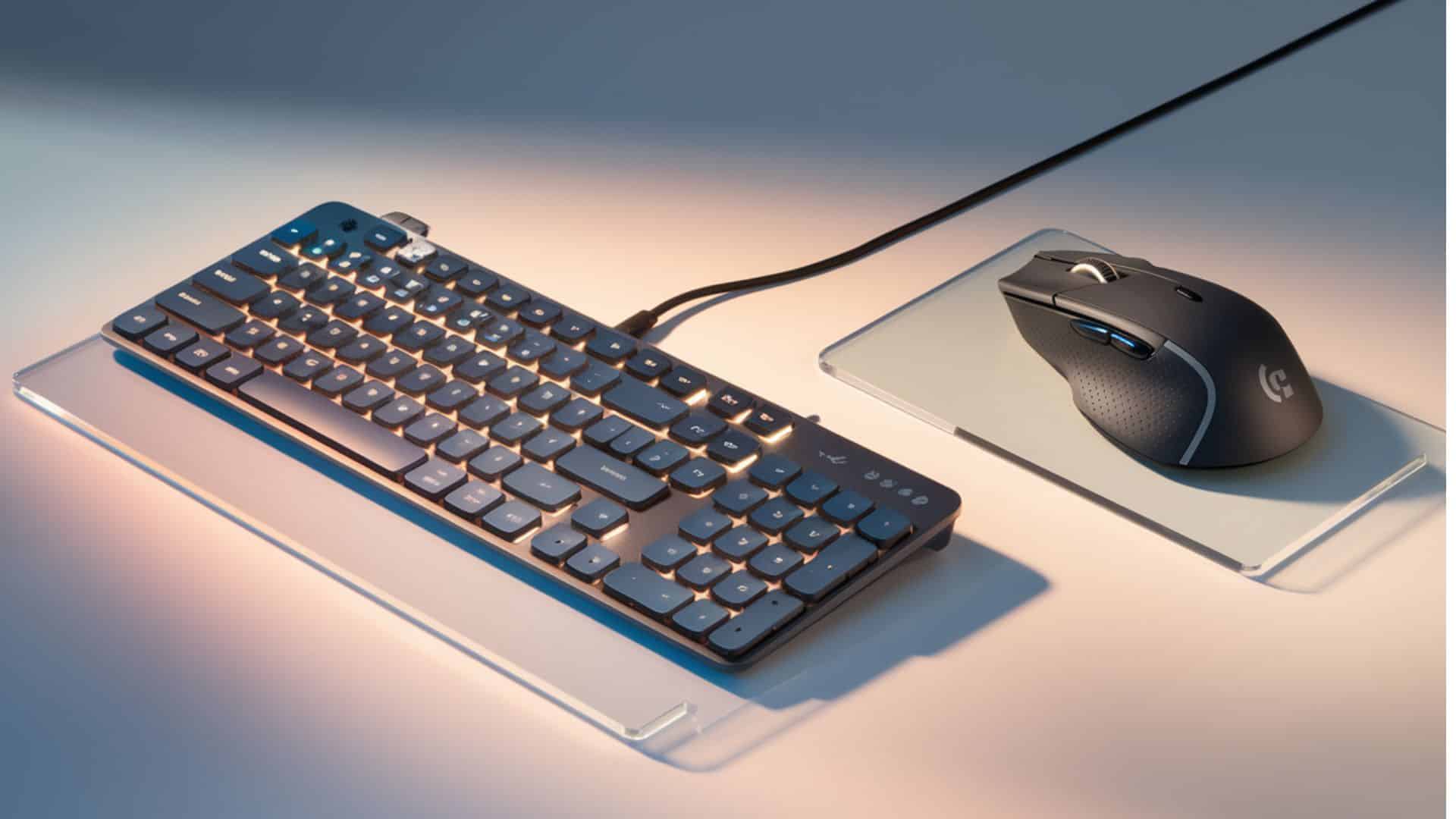
Comfortable typing tools reduce wrist strain and support better hand posture during long work sessions. Investing in an ergonomic keyboard and mouse helps prevent fatigue and repetitive stress injuries.
Logitech MX Keys Advanced Wireless Keyboard
Price: $110-$130
- Backlit keys adjust to room lighting
- Low-profile design reduces wrist angle
- Connects to three devices
- A rechargeable battery lasts months
Logitech MX Master 3 Mouse
Price: $100-$130
- Ergonomic shape fits your hand naturally
- The scroll wheel adapts to your speed
- Side buttons are programmable for shortcuts
- Works on glass surfaces
This combo works across Windows, Mac, and Linux. Switch between devices with one button press.
5. Webcams
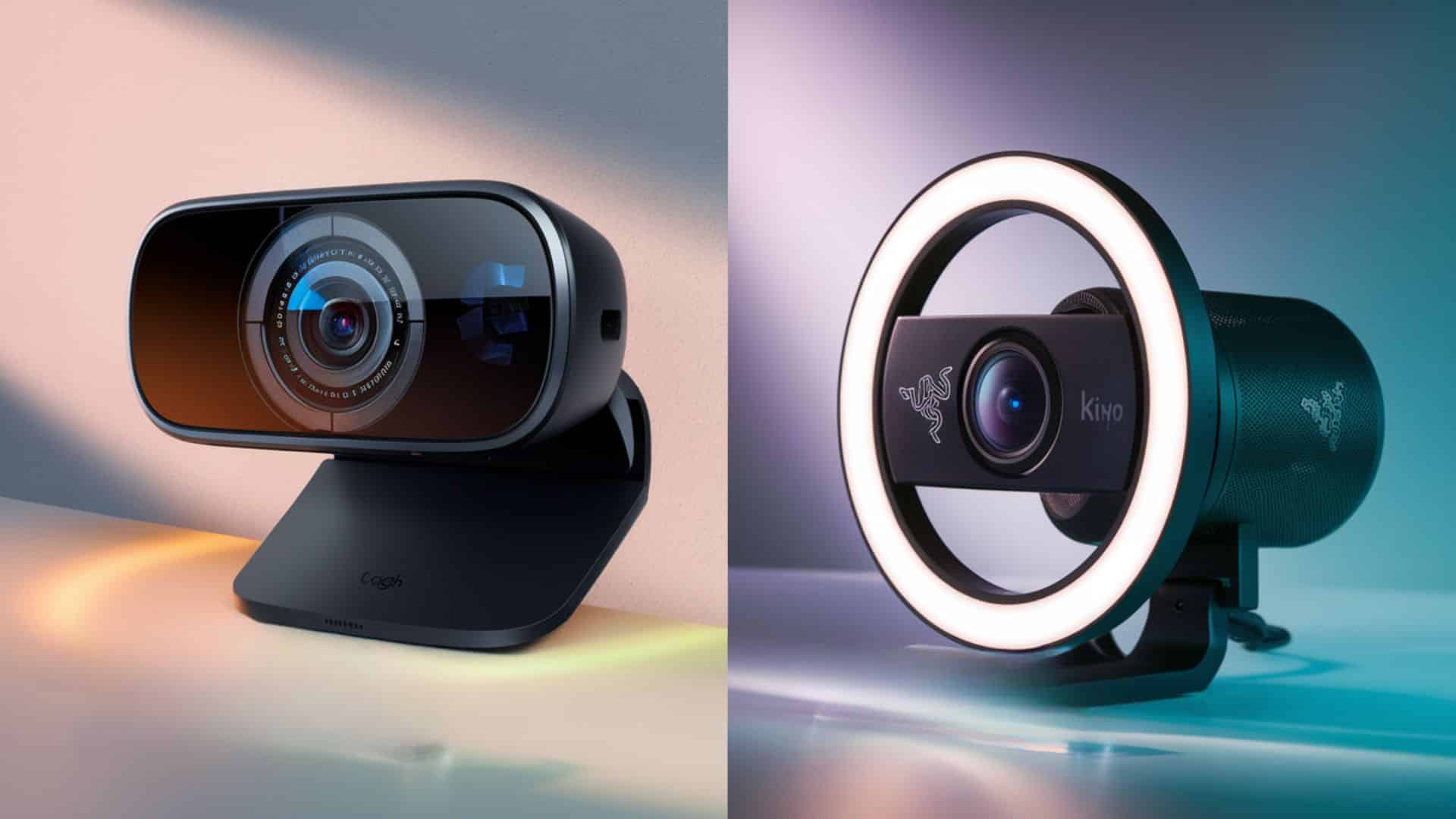
Built-in laptop cameras often deliver poor video quality, making virtual meetings look unprofessional. Upgrading to an external webcam ensures clearer visuals and a more polished presence on calls.
Logitech Brio 4K Webcam
Price: $180-$230
- 4K resolution at 30fps or 1080p at 60fps
- HDR adjusts to lighting conditions
- 5x digital zoom for flexibility
- Windows Hello facial recognition
Razer Kiyo Ring Light Webcam
Price: $80-$100
- Built-in ring light with 12 brightness levels
- 1080p at 30fps or 720p at 60fps
- Autofocus tracks your movement
- Designed for low-light environments
The Razer costs less and includes lighting. Perfect for dim home offices.
6. Microphone and Headset
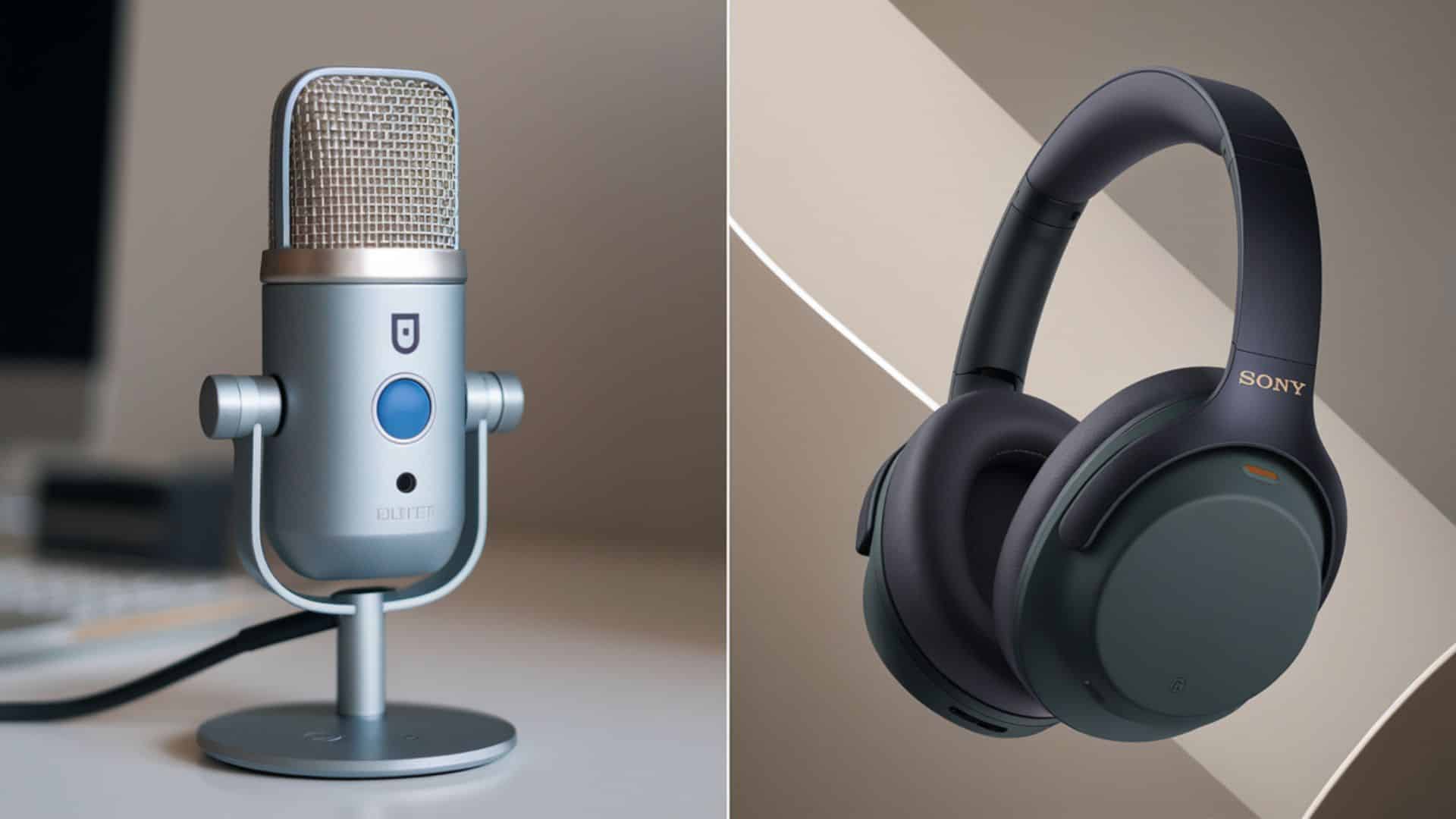
Clear audio is more important than video quality during calls, as poor sound disrupts communication and focus. A quality microphone or headset ensures you’re heard clearly and professionally.
Blue Yeti USB Microphone
Price: $100-$130
- Four pickup patterns for different situations
- Studio-quality sound reproduction
- Mute the button and gain control of the device
- Works with Mac and Windows
Sony WH-1000XM5 Headphones
Price: $380-$420
- Industry-leading noise cancellation
- 30-hour battery life per charge
- Comfortable for all-day wear
- Clear microphone for calls
These headphones block distractions completely. Music sounds incredible during focus work.
7. Lighting
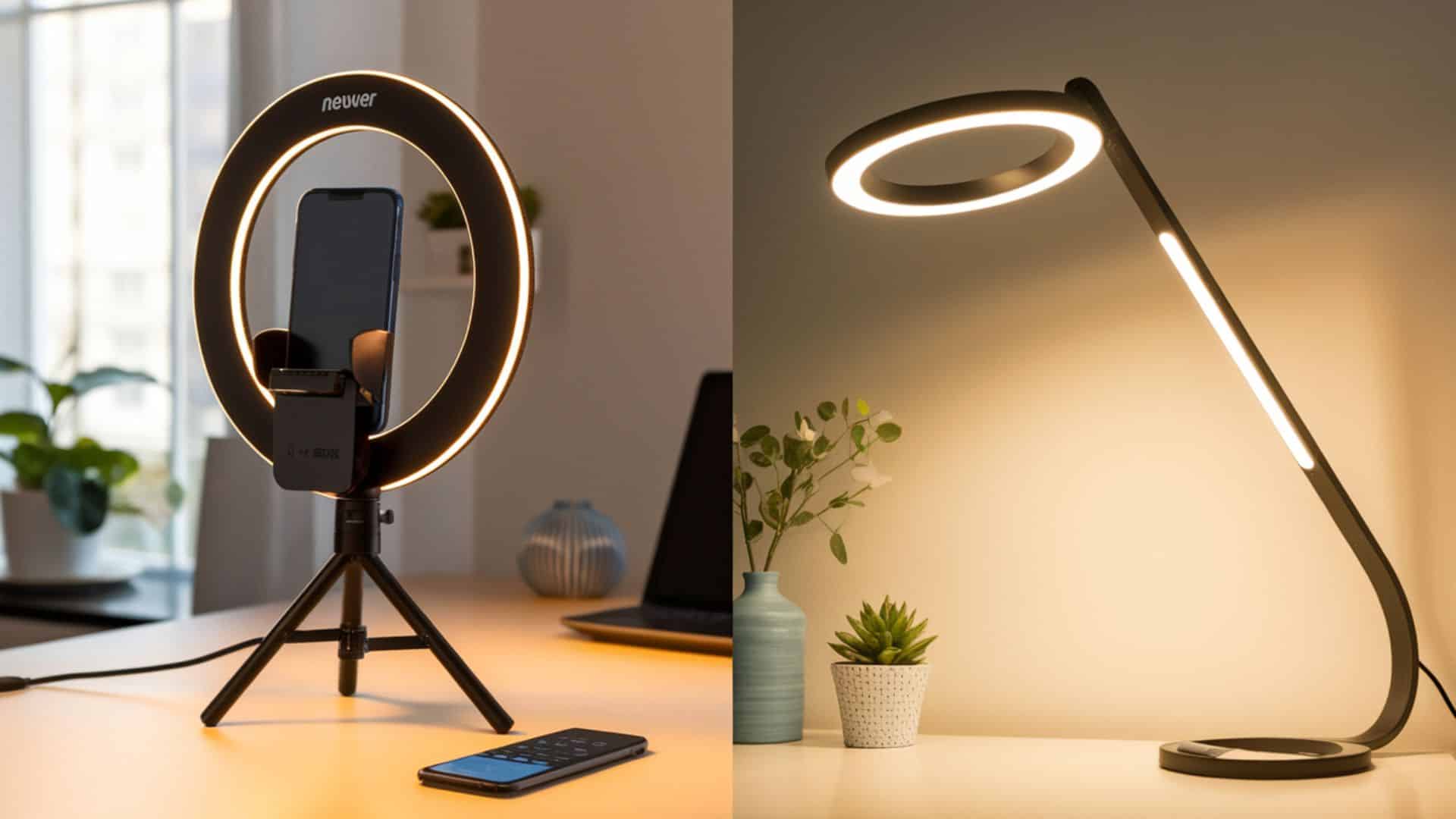
Good lighting helps you appear alert, clear, and professional on camera, especially during video calls. It enhances visibility, reduces shadows, and creates a polished on-screen presence.
Neewer 18-inch Ring Light
Price: $70-$90
- Three color modes (warm, natural, cool)
- Brightness adjustable from 1% to 100%
- Phone holder and remote included
- Stable tripod extends to 78 inches
Place this behind your webcam. The circular light eliminates facial shadows.
BenQ e-Reading LED Desk Lamp
Price: $199-$229
- Auto-dimming adjusts to room brightness
- Curved head provides wide coverage
- Reduces screen glare automatically
- USB charging port built in
This lamp works perfectly for task lighting. It won’t create reflections on your monitor.
8. Essential Accessories
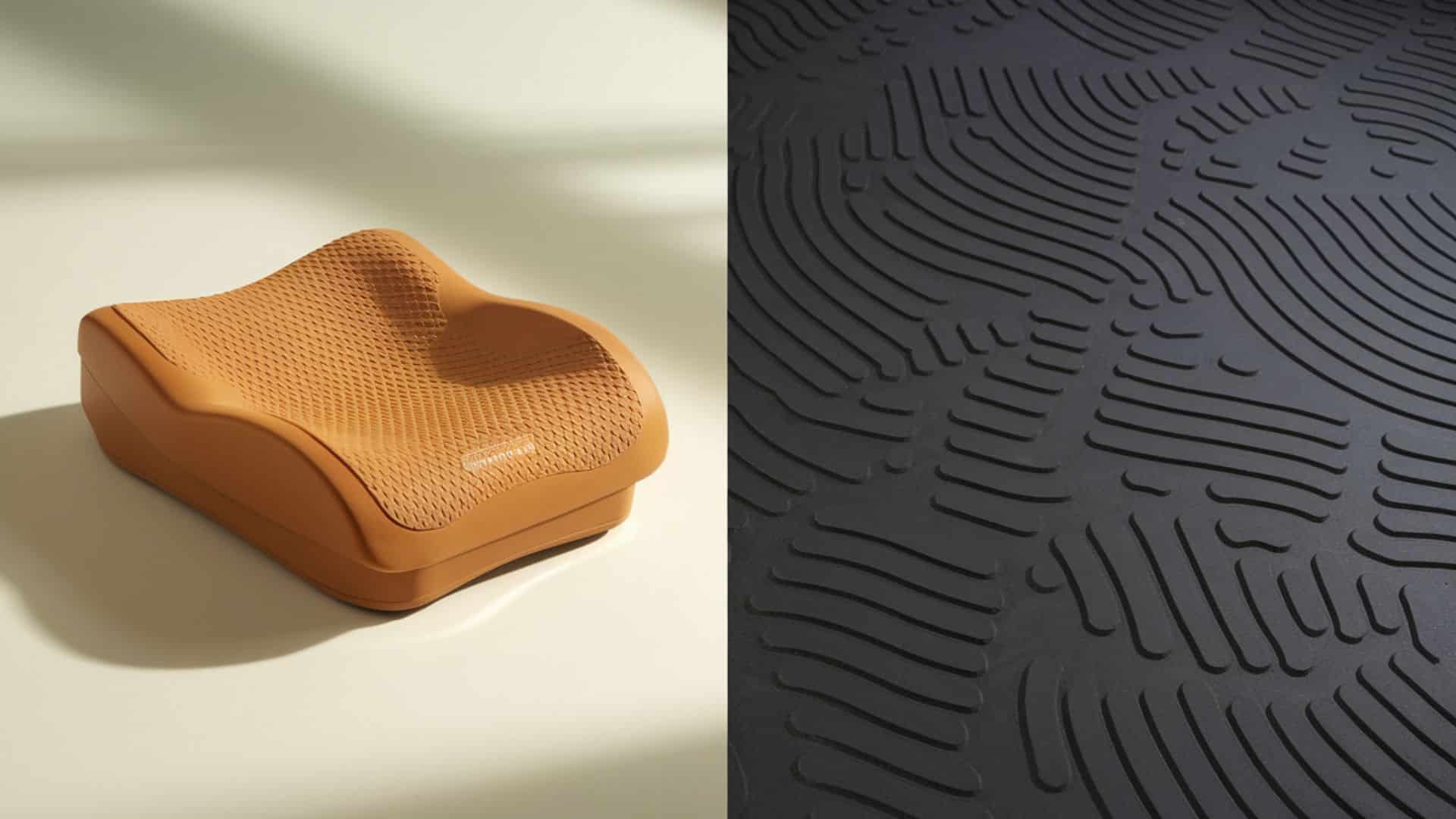
Small additions can make a big impact on your remote work setup, enhancing comfort, organization, and efficiency. Items like footrests, plants, or cable organizers quietly boost your daily workflow.
Everlasting Comfort Footrest
Price: $40-$50
- High-density foam maintains shape
- Non-slip bottom stays in place
- Removable washable cover
- Promotes healthy leg circulation
Ergodriven Topo Anti-Fatigue Mat
Price: $99-$109
- Calculated terrain encourages movement
- Reduces standing fatigue by 50%
- Non-flat surface engages leg muscles
- Works with or without shoes
9. Organization and Cable Tools
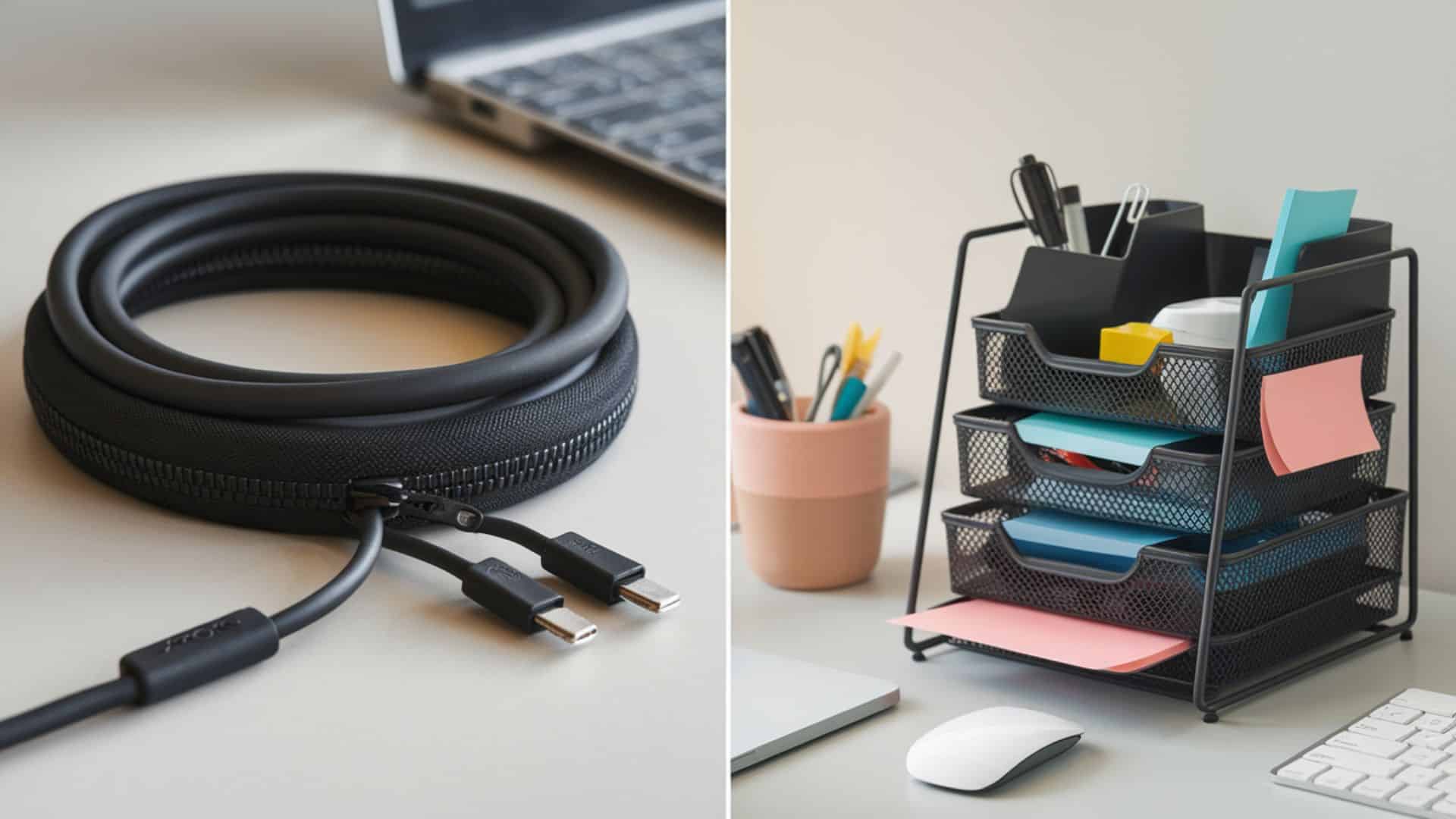
Keep your workspace tidy with simple tools that reduce clutter and boost focus. Desk organizers, cable management solutions, and storage shelves help maintain a clean, efficient environment.
Joto Cable Management Sleeve
Price: $13-$20 for a set
- Neoprene material stretches to fit many cables
- Zippered design for easy access
- Includes cable ties and clips
- Available in multiple lengths
Simple Trending Stackable Desktop Organizer
Price: $25-$30
- Three sliding drawers for supplies
- Mesh design lets you see the contents
- Stackable to save desk space
- Holds papers, pens, and accessories
10. Easy-Care Plants for Your Desk
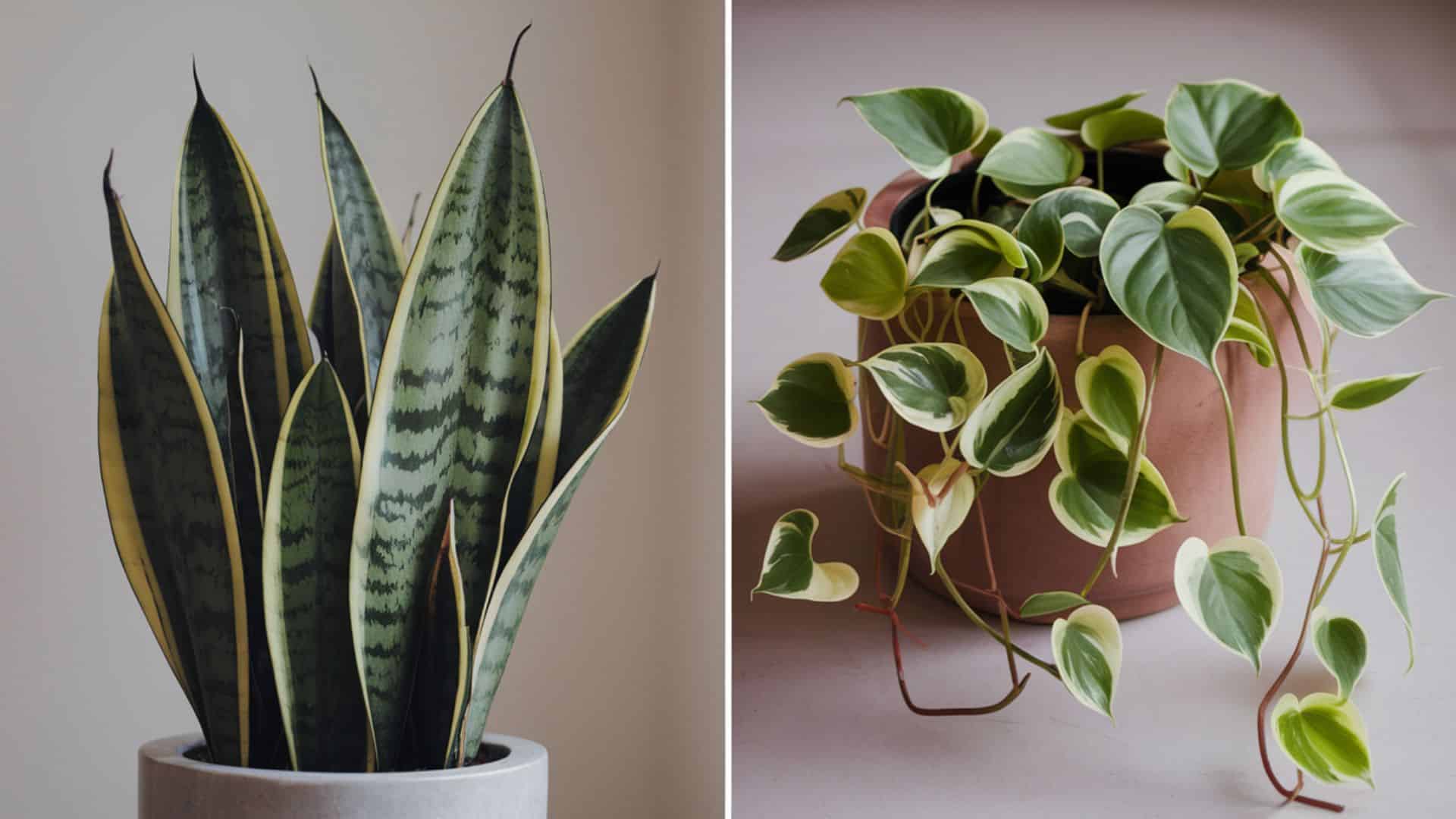
Living plants improve air quality by filtering toxins and adding oxygen, while also boosting mood and reducing stress. They’re a simple way to bring life and calm into your workspace.
Snake Plant (Sansevieria)
Price: $15-$30 (depending on size)
- Needs water only every 2-3 weeks
- Survives in low light conditions
- Removes toxins from the air
- Nearly impossible to kill
Pothos (Devil’s Ivy)
Price: $10-$25
- Grows in water or soil
- Tolerates neglect well
- Trails nicely from the shelves
- Propagates easily from cuttings
Both plants thrive in office environments. They require minimal attention.
Selecting the right equipment enhances your remote work experience by improving comfort, focus, and efficiency. Begin with the basics and gradually create a workspace that supports your daily routine and goals.
| Where to Find the Best Prices?
Amazon for quick delivery and easy returns |
Organizing Your Workspace for Maximum Efficiency
A cluttered desk creates a cluttered mind; organization isn’t optional in a remote work setup. A tidy space boosts focus, saves time, and sets the tone for a productive day.
- Use cable clips or sleeves to keep cords neat and out of sight.
- Route cables under the desk to free up surface space.
- Keep only essential items on your desk; store the rest.
- Use drawer organizers to separate and access supplies quickly.
- Stack documents in trays to sort current, incoming, and outgoing papers.
- Raise your monitor with a stand that offers extra storage.
- Create dedicated zones for work, meetings, and breaks.
- Add one or two low-maintenance plants to improve air and focus.
- Use light scents or soft background music to stay focused.
- Apply the five-minute rule; organize small messes before they grow.
A well-organized workspace reduces stress and makes every task smoother. Small habits add up, maintain your setup regularly, and let your environment work for you.
Conclusion
Creating an effective remote work setup improves your daily work experience significantly.
Start with essential ergonomic furniture that protects your health. Add technology tools that boost your productivity.
Organize your workspace to minimize distractions and maximize efficiency. Remember to build healthy routines around your home office setup, including regular breaks and clear boundaries.
Personalize your space with items that motivate you throughout the workday. You don’t need to spend thousands immediately.
Prioritize critical items first and upgrade gradually as your budget allows. A well-designed workspace pays for itself through better focus, fewer health problems, and increased job satisfaction.
Take action today. Your future self will appreciate the effort you invest now.